How to Use Unmanned Stores in Korea: Self-Checkout, Entry & Payment
Last verified: October 10, 2026 · Source basis: Korea Tourism Organization and major Korean retail-company materials. Individual stores use different systems.
Korea has many unmanned or partially unmanned shops, from convenience stores and ice-cream shops to self-service cafés, photo booths and self-checkout retail stores. There is no single nationwide system, so the most important rule for foreign visitors is simple: look at the entrance and payment instructions before picking up products.
There are three common types
| Type | What you do |
|---|---|
| Open-door unmanned shop | Enter normally, choose items, scan and pay at a kiosk. |
| Access-controlled shop | Use a card, QR code or store app to unlock the door, then self-checkout. |
| Hybrid store | Staffed during some hours and self-service during others. |
GS Retail has documented unmanned GS25 concepts that use QR codes and credit cards for entry authentication together with self-checkout systems. That does not mean every GS25 works this way; check the exact branch.
Typical self-checkout process
- Enter the store and check whether access authentication is required.
- Choose your products.
- Go to the kiosk marked 셀프계산대 or 무인계산대.
- Select English if the kiosk offers a language button.
- Scan each product’s barcode or QR code as instructed.
- Choose a payment method and complete payment.
- Take the receipt if you may need a refund or exchange.
Important: barcode vs QR code
Different retailers use different labels. Korea Tourism Organization’s Daiso guide notes that some Daiso self-checkouts ask customers to scan the QR code on the product rather than the ordinary barcode, with exceptions depending on the item. Follow the kiosk’s on-screen illustration.
Will a foreign credit card work?
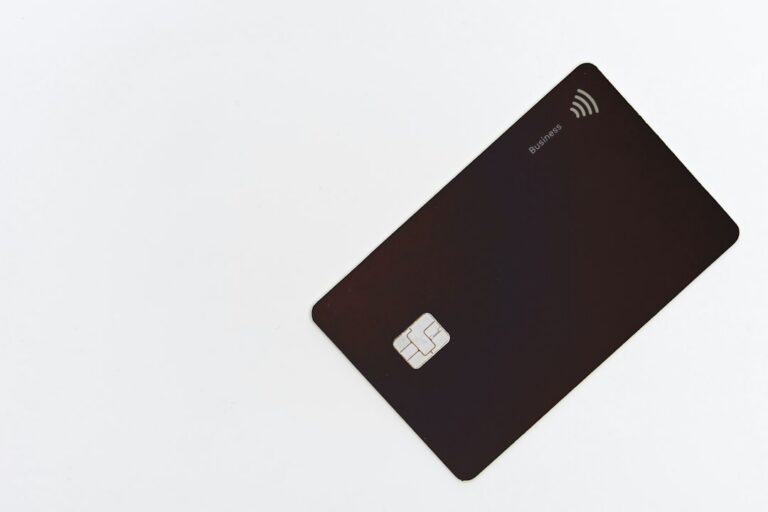
Often, but not always. Ordinary staffed Korean retail stores widely accept cards, but an unattended store can have a narrower payment or entry system. Some doors may require a Korean-issued card, local app or identity-linked QR code even when the checkout itself accepts major cards.
For a short-term visitor, carry a second payment option and do not enter an access-controlled store if you are unsure you can complete the checkout. If a kiosk rejects your overseas card, use a staffed branch instead.
Can I use T-money?
Korea Tourism Organization notes that T-money can be used at affiliated stores and at certain vending machines and unmanned photo booths displaying the T-money logo. Acceptance is merchant-specific, so look for the logo rather than assuming every unmanned store supports it.
Useful Korean words
| Korean | Meaning |
|---|---|
| 무인매장 | Unmanned store |
| 셀프계산대 / 무인계산대 | Self-checkout |
| 결제 | Payment |
| 카드 | Card |
| 영수증 | Receipt |
| 출입인증 | Entry authentication |
What about age-restricted products?
Products requiring age verification can have additional restrictions at unmanned stores. If the system asks for Korean identity verification that you cannot complete, use a staffed store instead. Do not try to bypass the store’s verification process.
If the kiosk is Korean-only
Use your phone’s camera translation, look for an on-screen language icon, or move to a staffed store. For travel help in Korea, the Korea Tourism Organization’s 1330 Travel Hotline is another useful backup.
Related guides
Official and primary sources
- VISITKOREA — Daiso self-checkout guidance
- VISITKOREA — T-money accepted locations
- GS Retail — Retail technology and unmanned-store information
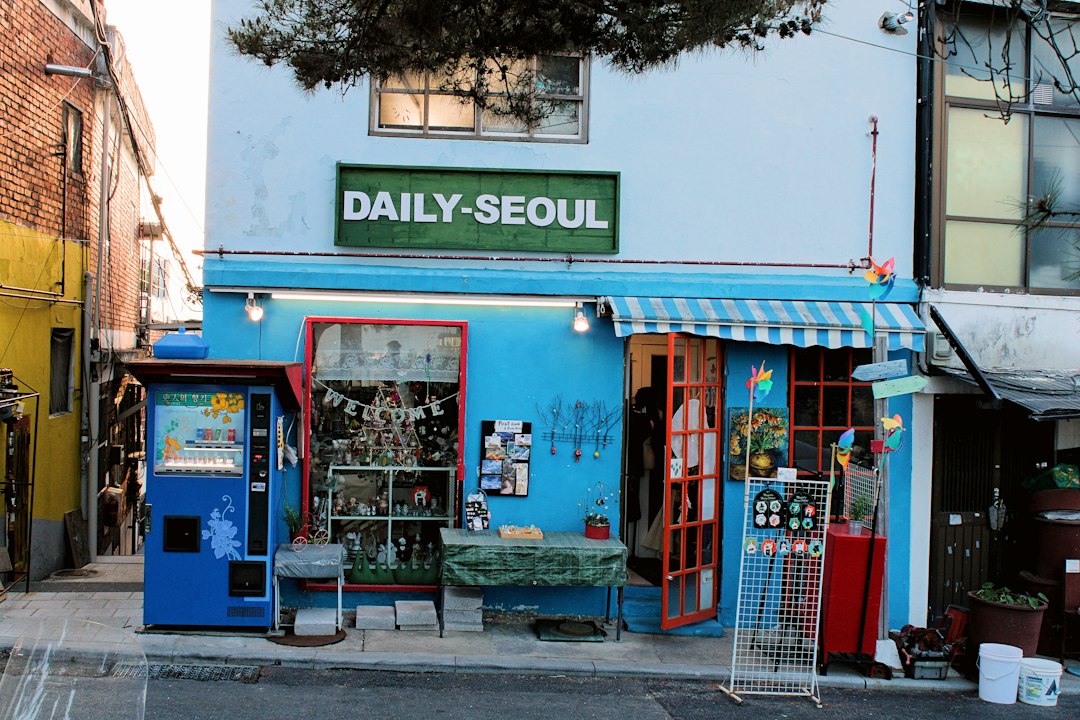
Featured photo: Timothée Gidenne / Unsplash. Illustrative only.